
Tripadvisor Alternatives: Where to Check Reviews, and How to Trust Them
30 September 2026Last checked 30 September 2026
The quickest way forward is to match the alternative to the job at hand: specialist review sites for deep dives into one category, booking platforms for reviews tied to real stays, Google and aggregators for speed and breadth, community forums and social groups for recent, honest chatter, and local or regional apps when you want depth on one area. Each does one thing well, so the smart approach is picking the right tool rather than one all-purpose replacement.
TL;DR:
- Specialist review sites offer more detailed insights for specific categories like walking routes or restaurants, as reviewers tend to be enthusiasts.
- Verified purchase labels on reviews provide a more reliable signal of authenticity, especially for safety-critical feedback.
- Community posts and local social media groups often reveal recent safety issues or closures faster than formal review platforms.
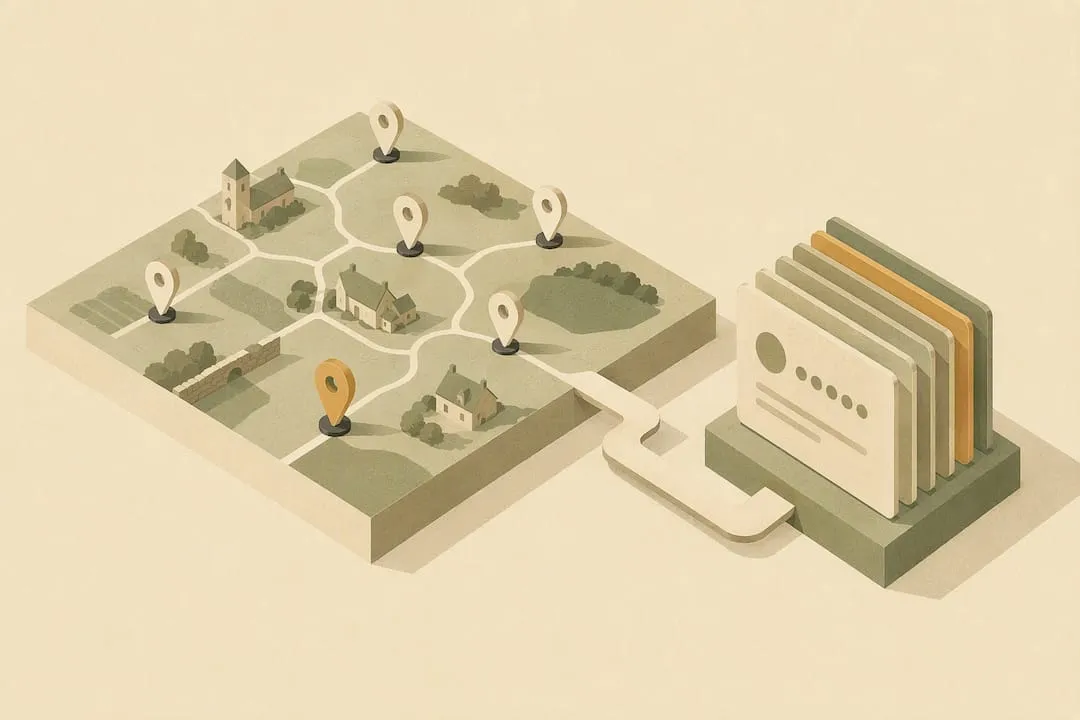
- Regional apps that map one area in depth can be better for local discovery than broad travel platforms.
- Always compare at least three recent reviews from different sources and read raw comments on safety or hygiene concerns to avoid relying solely on summaries.
Table of Contents
- A shortlist of alternative categories and what they offer
- How to judge trust: spotting moderation, verification and fake reviews
- A checklist for choosing the right alternative for the task
- Using forums and social media without being misled
- How the Cotswolds App handles these trust signals
- Why mixing sources beats trusting any single platform
- Finding your way around the Cotswolds with one app
- Sources
A shortlist of alternative categories and what they offer
Specialist review sites tend to beat broad platforms when you care about one thing done properly, walking routes, campsites, or independent restaurants, because the reviewers are usually enthusiasts rather than casual visitors passing through. Booking platforms with built-in reviews, meanwhile, tie feedback to a confirmed stay or purchase, which cuts down on reviews from people who never actually turned up.
Google and other aggregators win on speed and coverage. You can check opening hours, recent photos, and a star rating for almost any business in seconds. However, the reviews themselves can be thin on detail and easy to game with a burst of five-star ratings.
Community forums and social groups fill a different gap entirely. A local Facebook group or a well-moderated subreddit often knows about a closure, a change of ownership, or a hygiene issue days before it reaches a formal review site. Local and regional apps sit closer to the specialist end: they map one area in depth, often with visitor ratings, which makes them strong for discovery rather than comparison shopping across cities.
- Specialist review sites: best for deep, category-specific detail (camping, walking, fine dining).
- Booking platforms with reviews: best when you want feedback tied to a verified stay or purchase.
- Google and aggregators: best for speed, coverage and up-to-date basic details.
- Community forums and social groups: best for recent, unfiltered, locally sourced reports.
- Local and regional apps: best for discovery within a single area or region.
How to judge trust: spotting moderation, verification and fake reviews
Not every review carries the same weight, and the difference usually comes down to whether a platform can prove the reviewer actually experienced what they are describing. A verified-purchase label, tying a review to a booking or receipt, is one of the more reliable signals because it filters out reviews from people who never visited at all.
Beyond that badge, a handful of checks take seconds and tell you a lot:
- Look for a visible moderation policy that explains how flagged reviews are handled.
- Check whether businesses can reply to reviews, and whether they do. Active replies usually mean someone is paying attention.
- Scan for reviewer profiles with a history of varied reviews, rather than a single glowing post from a brand-new account.
- Treat a sudden cluster of five-star reviews posted in the same week with a bit of suspicion.
- Read a few one-star and three-star reviews rather than relying only on the average score.
Evidence: In July 2026 Which? found that Tripadvisor's AI summaries for several hotels left out safety and hygiene warnings that were plain in recent reviews. One summary called a resort's cleanliness "spotless" while reviewers were reporting food poisoning. Tripadvisor disputed the findings, but a glowing summary is not proof of a safe or hygienic stay.
That last point matters more than it might seem. AI summaries are convenient, but they compress dozens of reviews into a paragraph, and in the cases Which? examined, Google's AI overview flagged the illness reports that Tripadvisor's summary missed. When safety is part of the decision, read the raw reviews yourself rather than trusting the summary alone.

A checklist for choosing the right alternative for the task
Start by deciding whether you need breadth or depth. Comparing hotels across three cities calls for a booking platform or aggregator with wide coverage, while planning a weekend around one village or trail favours a specialist or regional source with local knowledge.
- Match the platform to your priority: broad comparison versus deep local detail.
- Check how recent the reviews are and how many exist for your specific destination, not just the business overall.
- Prioritise mapping and filtering tools if you are planning routes or comparing several nearby options on the move.
- Confirm the platform shows hygiene, safety or accessibility signals clearly if that is a deciding factor for you.
- Try two different sources for the same place and compare at least three recent reviews before you book.
Pro Tip: If two sources disagree sharply on a place, trust the one with more recent and more detailed reviews over the one with the higher average score.
Using forums and social media without being misled
Community channels are brilliant for catching the things that formal review sites miss, a sudden closure, a change of chef, a safety incident from the past week, but they need a bit of scepticism to use well. A single dramatic post is an anecdote, not a pattern, until it is backed up elsewhere.
Look for relevant threads on travel-focused subreddits, destination forums, and local Facebook groups, where people tend to post while the experience is fresh. Before you act on a claim, check whether the poster included a photo or a timestamp, and search for other recent threads mentioning the same issue.
- Search subreddits and destination forums for the specific place name, not just the wider area.
- Ask posters for a photo, date or receipt if a claim seems important but unverified.
- Cross-check one dramatic post against at least one other recent thread before treating it as fact.
- Weight community reports heavily when they concern very recent safety incidents or sudden closures.
- Post your own honest, specific feedback afterwards to help the next traveller checking the same thread.
Recent, specific community reports should generally outweigh an aggregate score when the two disagree, particularly around safety or closures, since aggregate scores can lag behind reality by weeks or months.
How the Cotswolds App handles these trust signals
Here is how the checklist above applies to our own app, including where it falls short. The Cotswolds App maps thousands of places across the region, and you can narrow the map or the directory by category, such as pubs, gardens or walks, or by distance from where you are.
- Who can review: anyone who is signed in, once per place. Nothing checks that the reviewer actually visited, so there is no verified-stay badge.
- Moderation: every review is held until a moderator approves it, and any reader can report one. A review reported three times is hidden until a moderator looks at it again.
- Business replies: a business that has claimed its listing can reply to reviews, and replies are checked before they appear too.
- Separate ratings: alongside the overall sheep rating, reviewers can rate how dog-friendly and how accessible a place is.
The honest limit is volume. The app is new and most places do not have a visitor review yet, so treat a listing as a starting point, with its location, category and, where known, contact details and opening hours, and check recent reviews elsewhere before you rely on it. That is the mixing of sources the rest of this article recommends.
Why mixing sources beats trusting any single platform
No review platform gets everything right, and treating any single one as gospel is where most bad bookings start. Aggregate scores smooth over recent problems, AI summaries can miss what matters most, and even community forums have their share of noise and outdated posts.
A simple habit works well: check three recent reports across at least two different sources before booking anything that matters, and read the raw reviews rather than a machine-written summary whenever safety or hygiene comes up. When a summary or a headline rating feels too tidy, it usually is.
Contributing your own honest review afterwards, specific, dated, and detailed, does more for the next traveller than another five-star rating with no context. Good information online is built the same way good trails are: one honest step at a time.
Finding your way around the Cotswolds with one app
If you want breadth and depth in one place for a specific region, The Cotswolds App gives you a single, mapped directory to start from. It brings together thousands of places, from village pubs to walking routes, on one map you can use on the move.
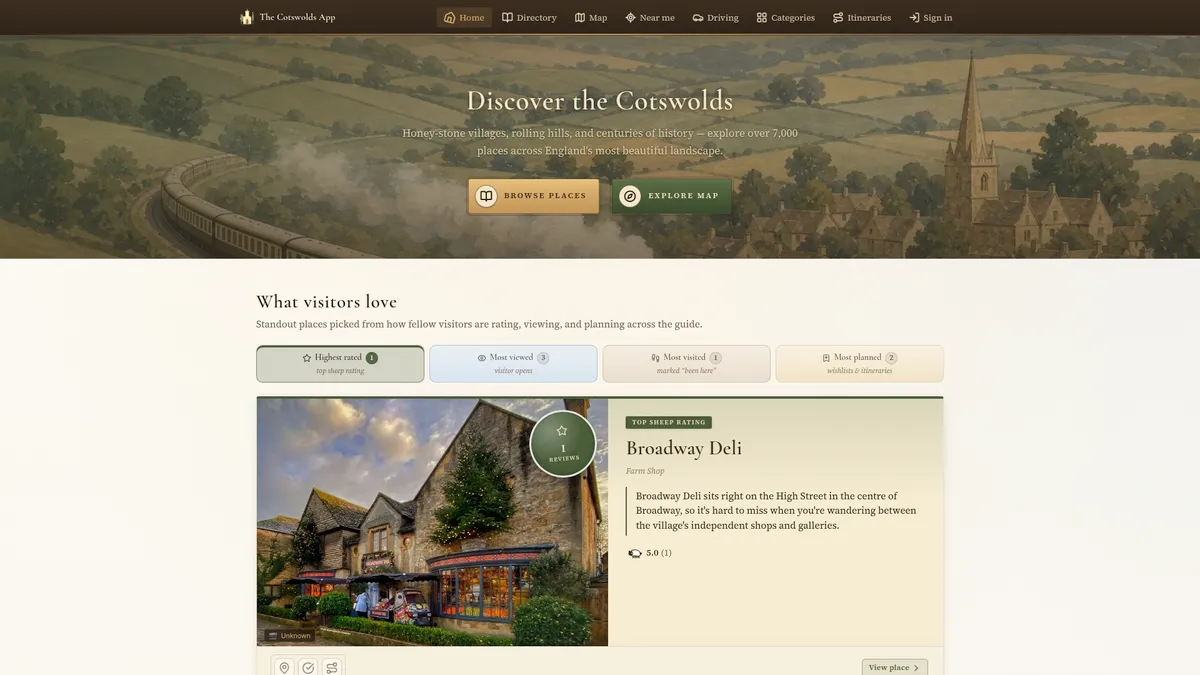
- Use the interactive map to find pubs, villages and walking routes near wherever you happen to be.
- Filter by category, such as pubs, gardens or walks, and check the dog-friendly rating on a place page where visitors have left one.
- Browse area guides for towns and villages across the region.
Pick this route when your priority is one region done well rather than comparing hotels across several countries. Install the app and start exploring the Cotswolds with a map that already knows the area.